Calculator · indicative only
Resin print cost and exposure helper
Use your slicer's volume and your bottle's actual price. The calculator does arithmetic only; it does not predict a successful print.
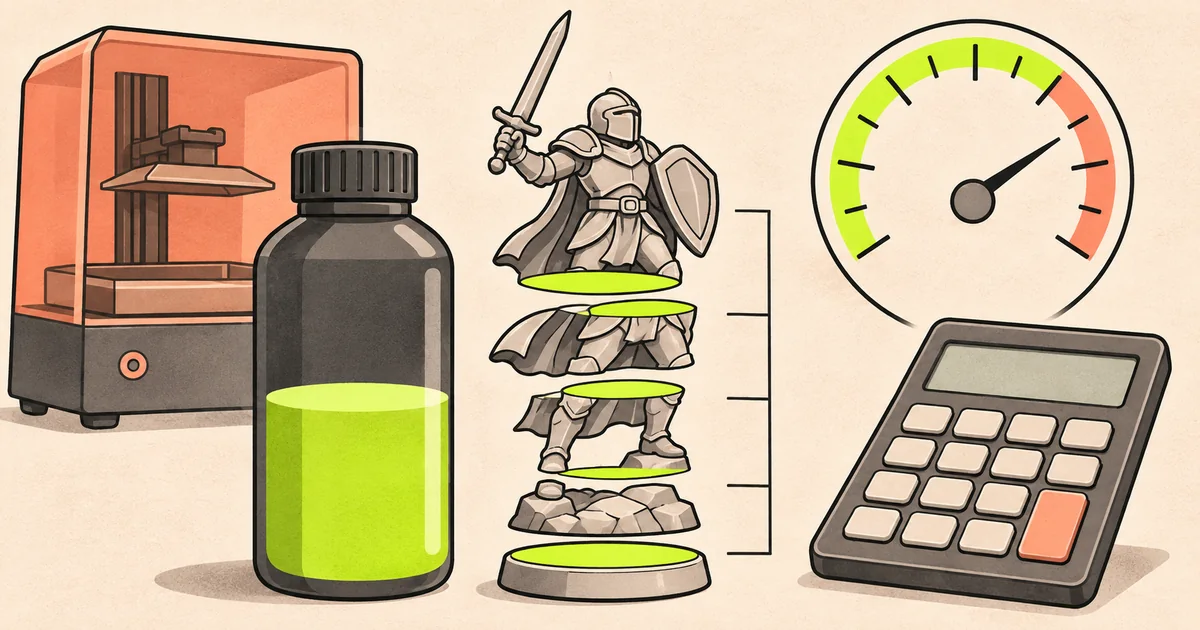
What the result includes
Resin used = part volume × (1 + waste percentage ÷ 100). Cost = resin used ÷ bottle size × bottle price. The 20% example is a visible planning assumption, not an industry figure: replace it with your own support, failed-print and vat-loss allowance.
IPA and wash-liquid checklist
- Keep clean and dirty wash stages labelled and closed.
- Record when cleaning performance drops rather than topping up blindly.
- Keep contaminated IPA or water out of drains; ask your council for the local household hazardous-waste route.
- Store IPA away from heat, sparks and flames, following its SDS.
Layer height and exposure
Layer height and exposure interact with the exact printer, resin, temperature and release system. Start with the resin maker's profile for that printer, then use a small calibration model. For one sourced example only, Anycubic's published M7 Pro profile lists 0.05 mm and 2 seconds for its standard resin. It is not a universal default.
Indicative only. Check the current printer manual, resin profile and SDS before use. Source checked 15 November 2026: Anycubic resin settings and manuals.